
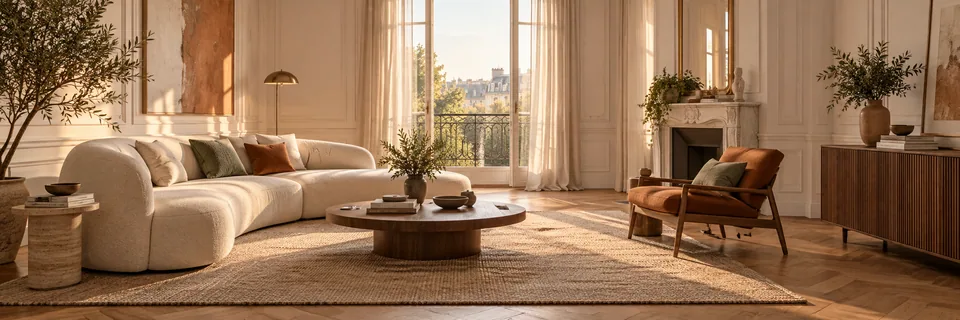
Prepare the room and light
Shoot in daylight where possible. Open curtains and add a lamp if the room is dark. Avoid strong backlight directly towards a bright window.
Move clutter away from the floor and pathways without hiding fixed equipment. Keep people, private documents, family photographs and confidential information out of view.
Frame the space faithfully
Stand in a corner or doorway. Hold your phone horizontally at chest height, parallel to the floor. Include two walls, the floor, ceiling and openings where possible.
Use the 1× lens. A 0.5× or extreme wide-angle view can exaggerate dimensions. Avoid zoom, stitched panoramas and filters.
- Vertical wall lines look straight.
- The image is sharp and the lens is unobstructed.
- The room is visible as a whole.
- The photo shows the actual space to transform.
Choose the perspective you want to explore
Show the whole room. Your photograph, intended room and chosen style are enough to begin the study; exact dimensions are not inferred from the image alone.
You do not need to provide measurements or a plan for this journey. The study begins with a photograph of your interior.
What a photograph cannot guarantee
One photo cannot establish structural conditions, services or every dimension. The concept remains a decorative projection: measure routes and furniture before purchase and obtain professional approval for building work.